Send blood test results to patients securely

Upload the lab's report, add comments in plain words, and release it to the patient when it's ready. The email only says results are ready. Patients sign in with a code to read them, and every view and download is recorded.

  • Drafts only clinicians see
  • No results in emails
  • Every access recorded
www.bookdrawn.com/dashboard/patients
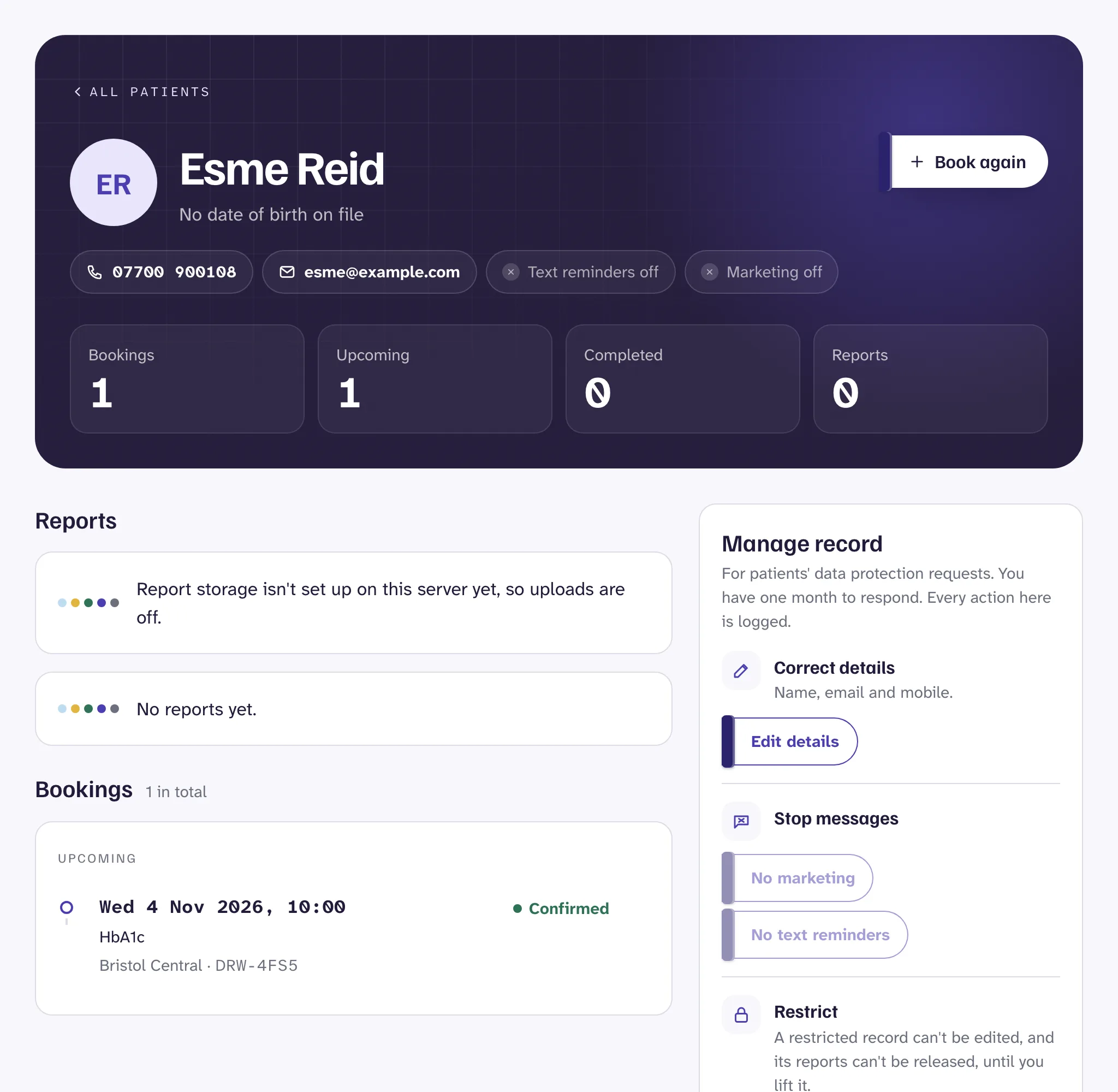
A patient's record in Drawn, with their lab reports.

How it works

How do patients get their results?

  1. 01

    Upload

    A clinician uploads the lab's PDF to the patient's record, and links it to their booking.
  2. 02

    Explain

    They add comments saying what the results mean, in plain words.
  3. 03

    Check and release

    They check the patient and the file, and press Release to patient.
  4. 04

    A notice, not the results

    The patient gets an email saying their results are ready. It never says what they are.
  5. 05

    Sign in and read

    The patient signs in with a code sent to their email, and opens or downloads the report with your comments.

Why not email

Why not just email the PDF?

Emailing the PDF

Your blood test resultsresults-full.pdf attached
  • Sits in a shared or forwarded inbox
  • Can't be taken back from a wrong address
  • No record of who opened it

With Drawn

Your results are readySign in to read them
  • Nothing about the results in the email
  • A one-time code to sign in
  • Every view and download recorded

Drafts

Drafts only clinicians see

Protection

How reports are protected

Reports are kept for the period you set, then deleted automatically. More in security and UK GDPR.

  • Encrypted

    Stored with keys managed in AWS Key Management Service, and every access to a file recorded.
  • 60 second links

    Download links expire after 60 seconds, so a copied link is soon useless.
  • Clinicians only

    Only clinicians, and staff an admin gives access with a reason recorded, can see reports.
  • Checked uploads

    Drawn checks each upload is a plain PDF before saving it.

Questions

Questions clinics ask

Something else? Email director@hizmedia.com and a real person will reply.

Is it safe to email blood test results to patients?

Emailing the report itself is risky: inboxes are shared and forwarded, and a wrong address can't be undone. Drawn emails only that results are ready, and patients sign in with a one-time code to see them.

Can clinicians add comments to results?

Yes. Clinicians add comments in plain words before releasing a report. The patient sees them with the report.

Can a released report be taken back?

No. Once released, a report can't be withdrawn or deleted, so Drawn asks you to check the patient and the file first. Drafts can be deleted.

How do patients sign in to see results?

With a one-time code sent to their email. There's no password to remember, and patient sessions end after 2 hours.

Take your first booking this afternoon

Sign up, add your tests and hours, and share your link. 14 days free, no card needed.